🖌️
Visual canvas editor
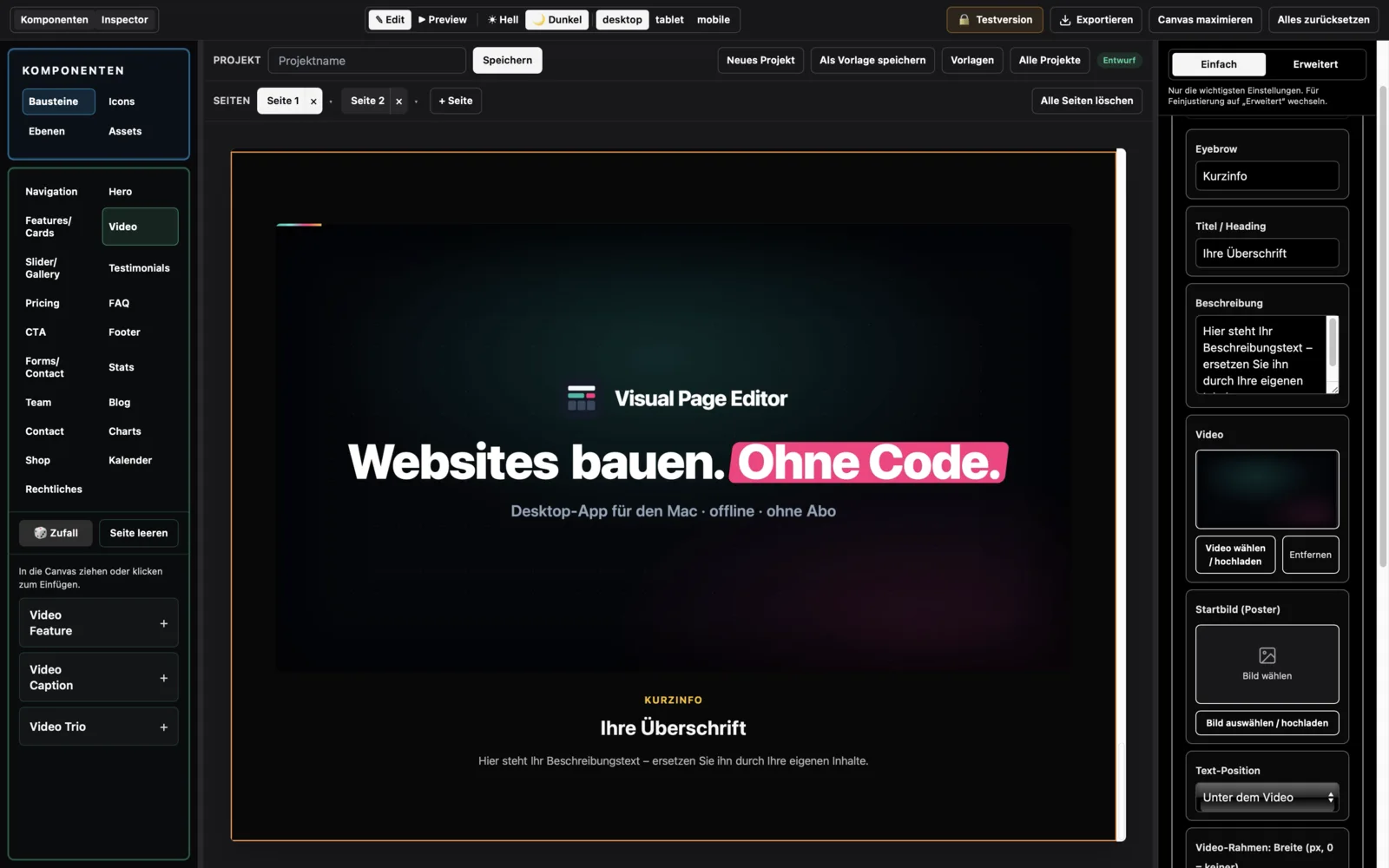
Click instead of code. Edit everything right on the page – live in the canvas.
Visual Page Editor is the website editor for Mac and iPad that runs 100 % locally. No cloud, no account. Your site is built on your device – and stays there.
A website for your own business doesn't have to take weeks or cost four figures. Do the maths yourself.
The usual route
You do it yourself
No code. Pick a template, drop in your own text and photos, export.
100 % offline.
0 % data collection.
Visual Page Editor collects no data whatsoever. No account, no cloud, no telemetry. That makes the app GDPR-friendly by design – there simply is no data that could be processed. For anyone working under European privacy rules, that's the decisive difference.
Everything runs locally on your device. Your content never leaves your machine – unless you upload the finished site yourself.
Download, open, start. No sign-up, no email, no password – no personal data.
The app works entirely without AI and without any cloud connection. No server processing, no waiting – everything happens directly on your Mac or iPad.
Where no data is collected, nothing has to be processed, stored or reported. Privacy that takes care of itself.
| Visual Page Editor | Cloud builders | |
|---|---|---|
| Where does your data live? | On your machine | On someone else's servers (often the US) |
| Account required? | No | Yes |
| Tracking & cookies in the app? | None | Common |
| Running costs? | None – one-time purchase | Monthly/yearly subscription |
| Works offline? | Yes, completely | No |
| Full control over your files? | Yes | Limited |
From the first click to the finished site. No code, no subscription, no cloud.
Click instead of code. Edit everything right on the page – live in the canvas.
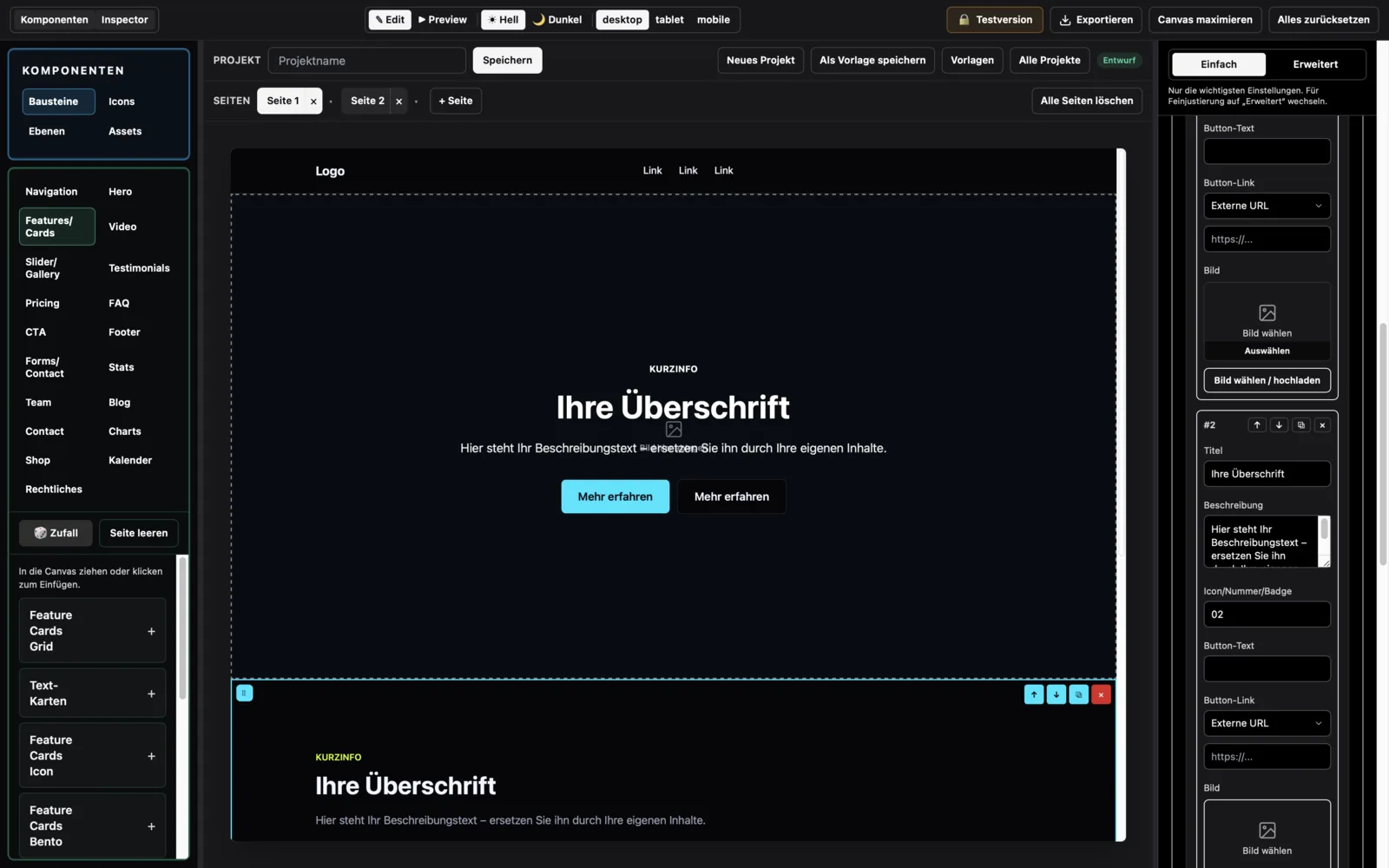
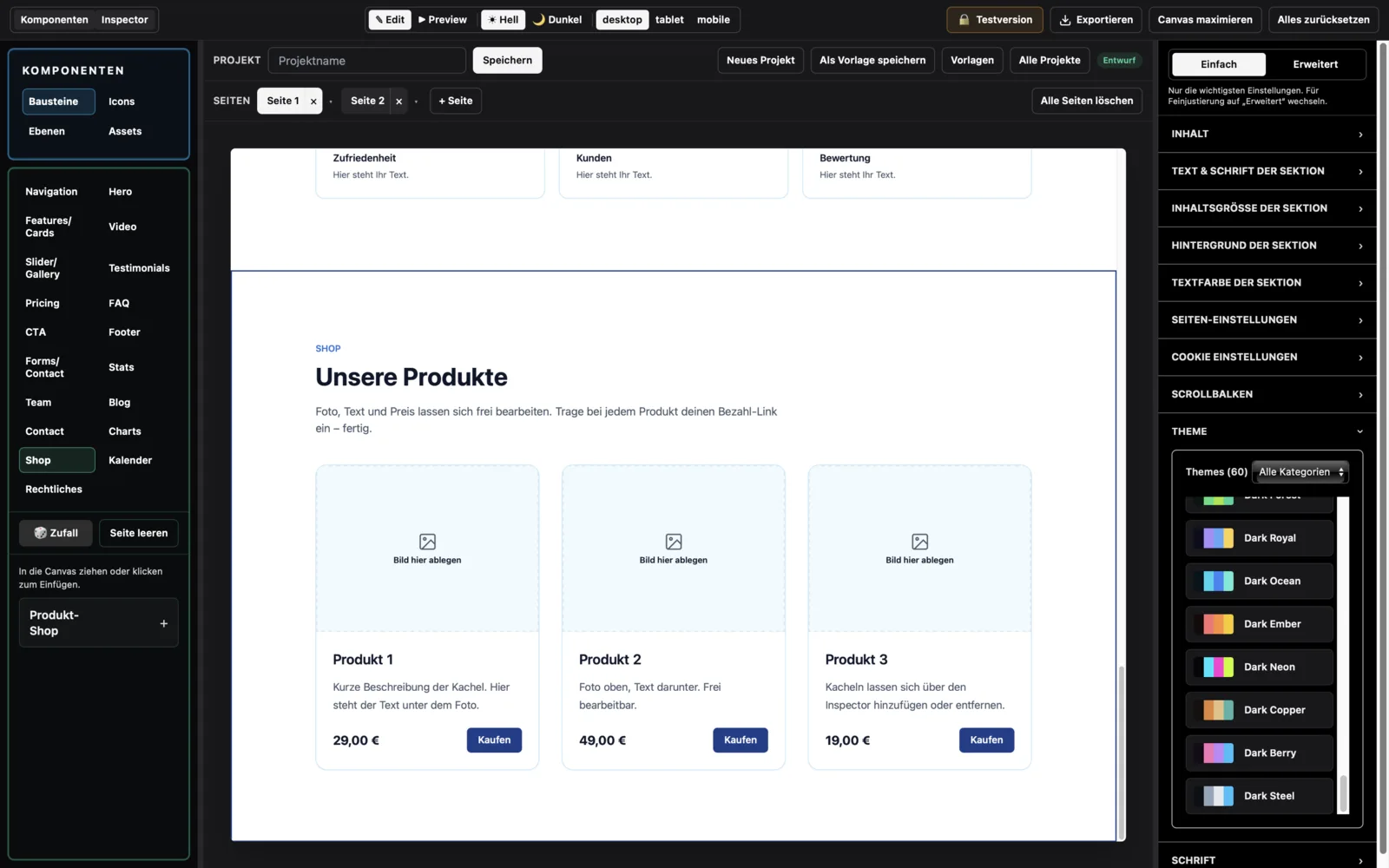
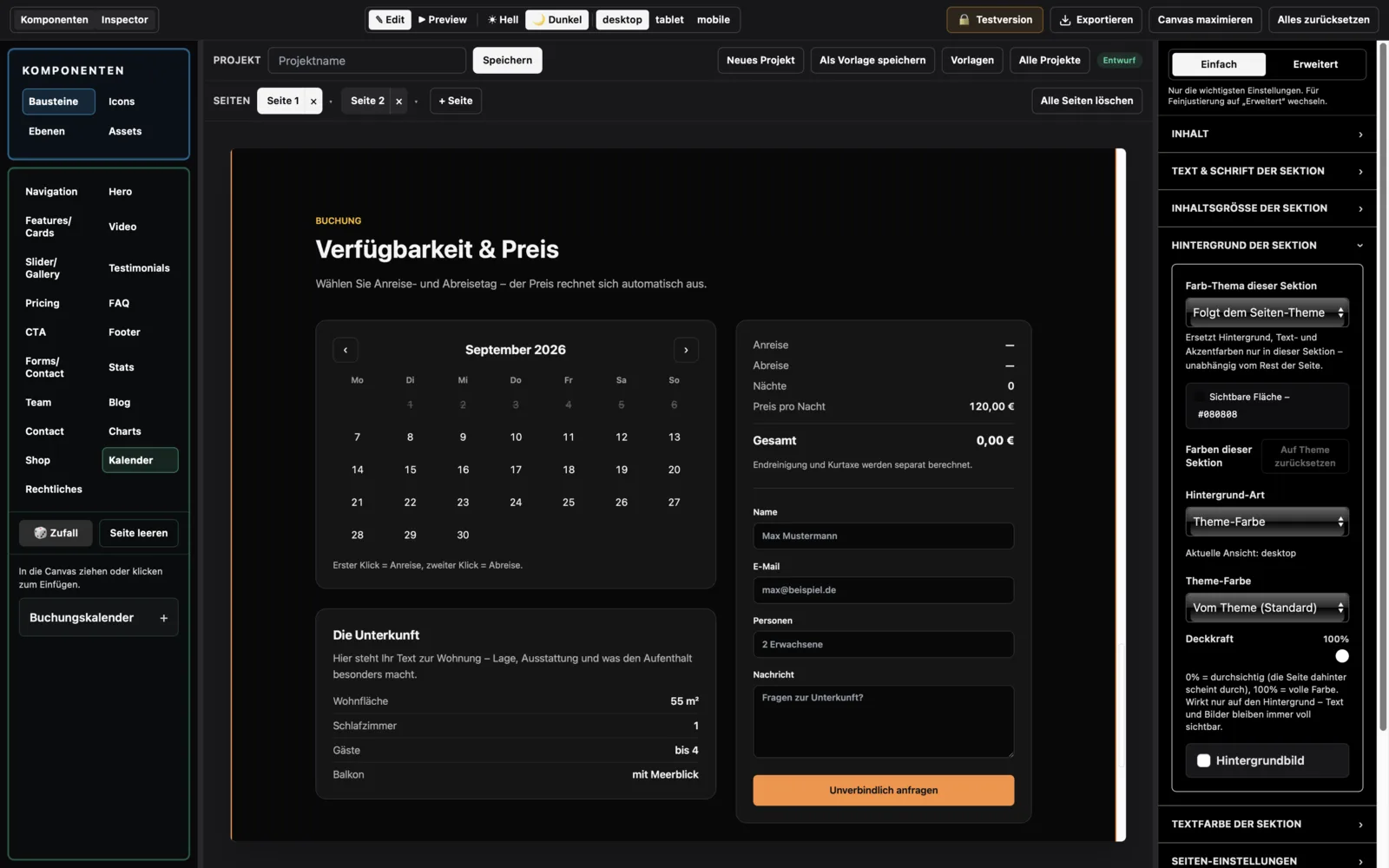
In 18 categories: hero, features, pricing, FAQ, gallery, team, contact, shop, calendar, legal pages and more.
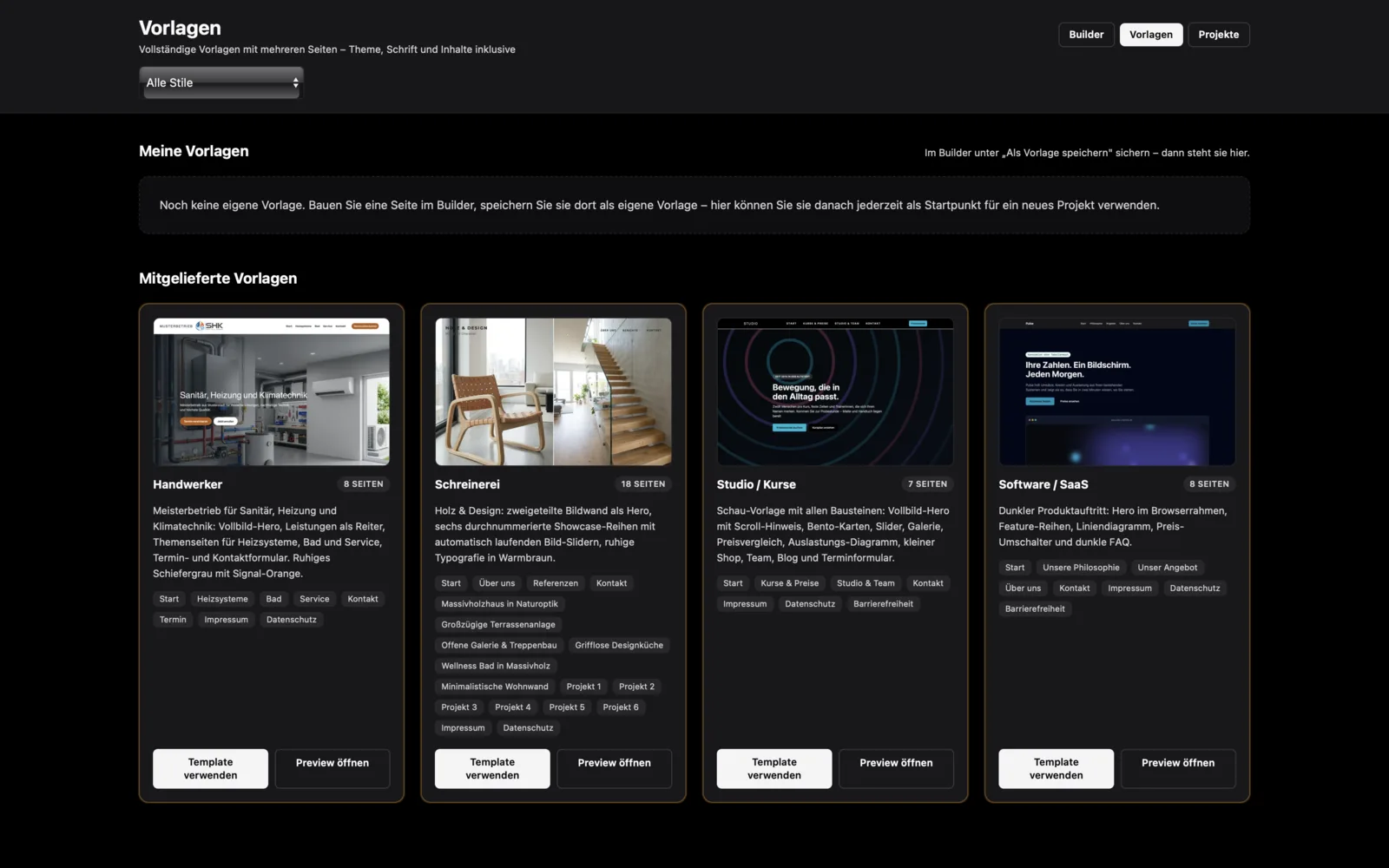
Complete multi-page websites as a starting point – trades, carpentry, software and studio.
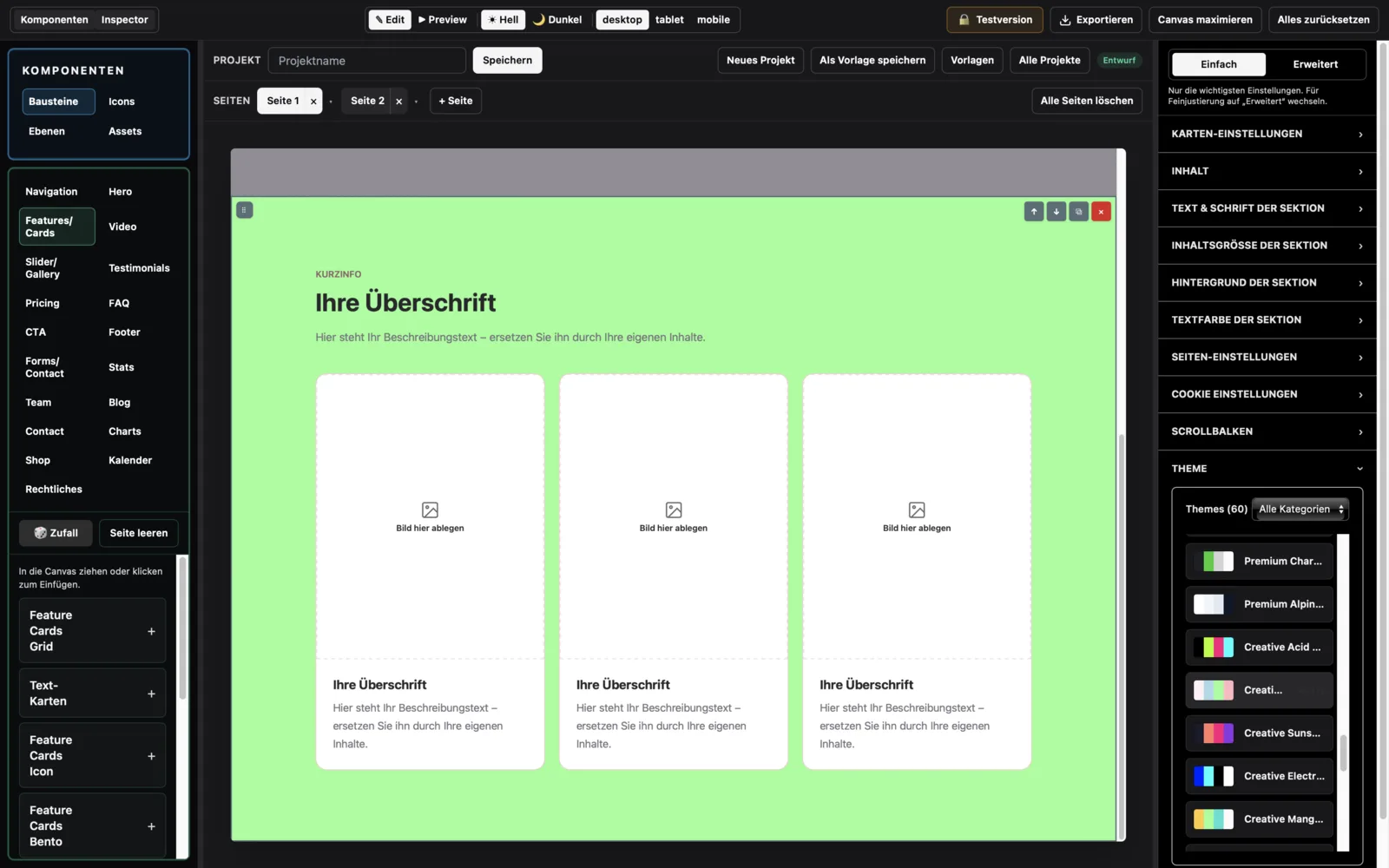
Eight style groups – a new colour world in one click, the whole project follows instantly.
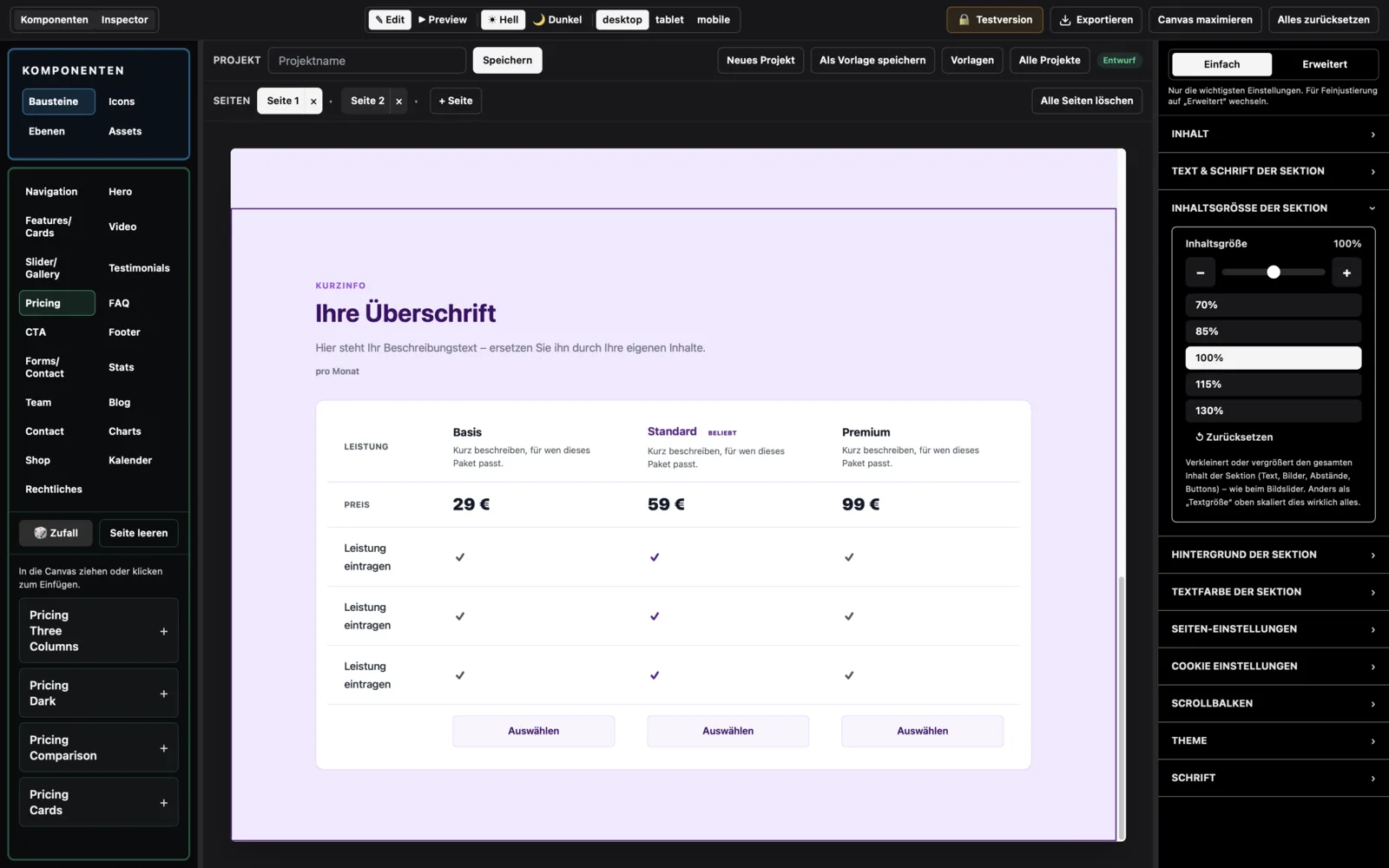
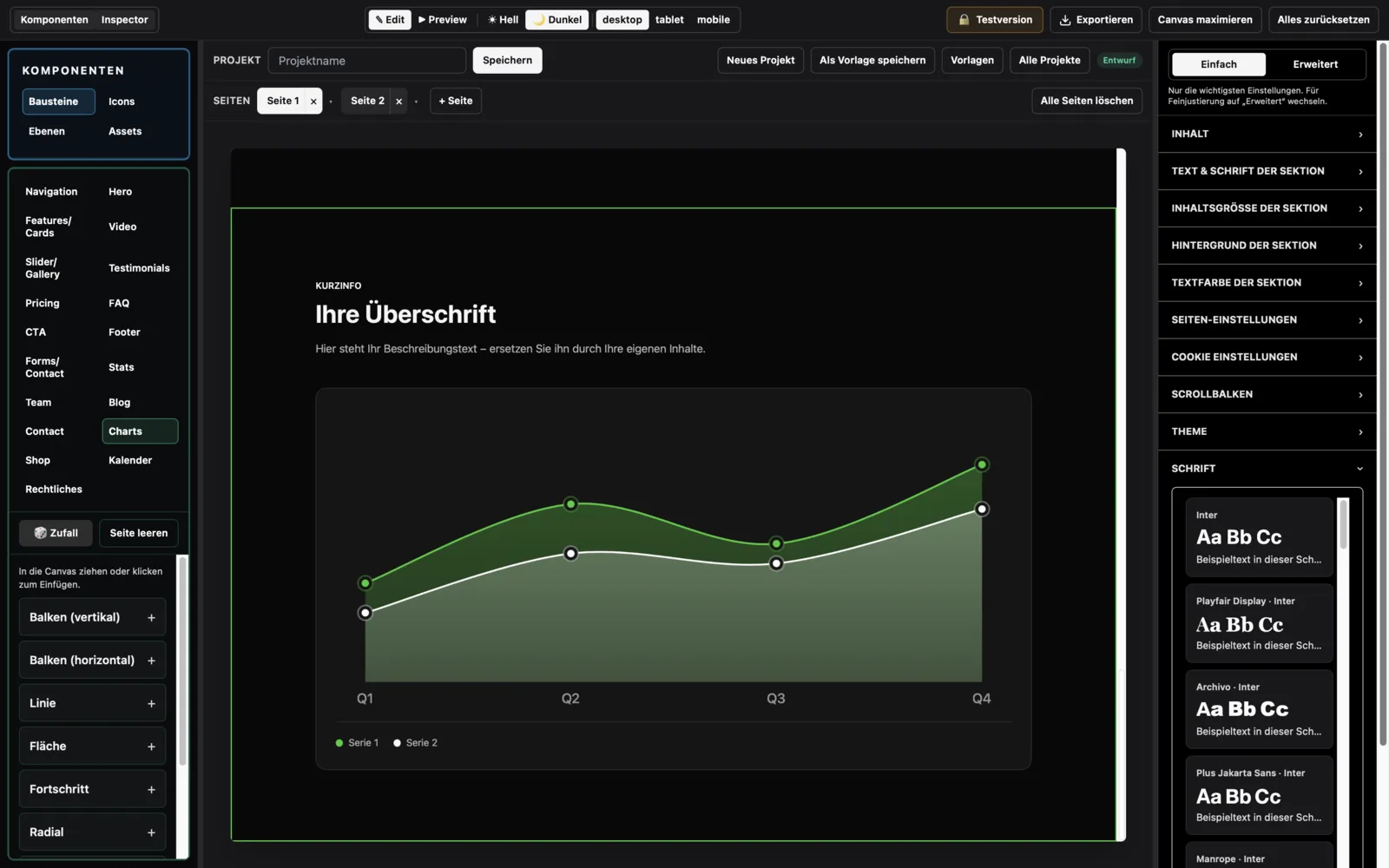
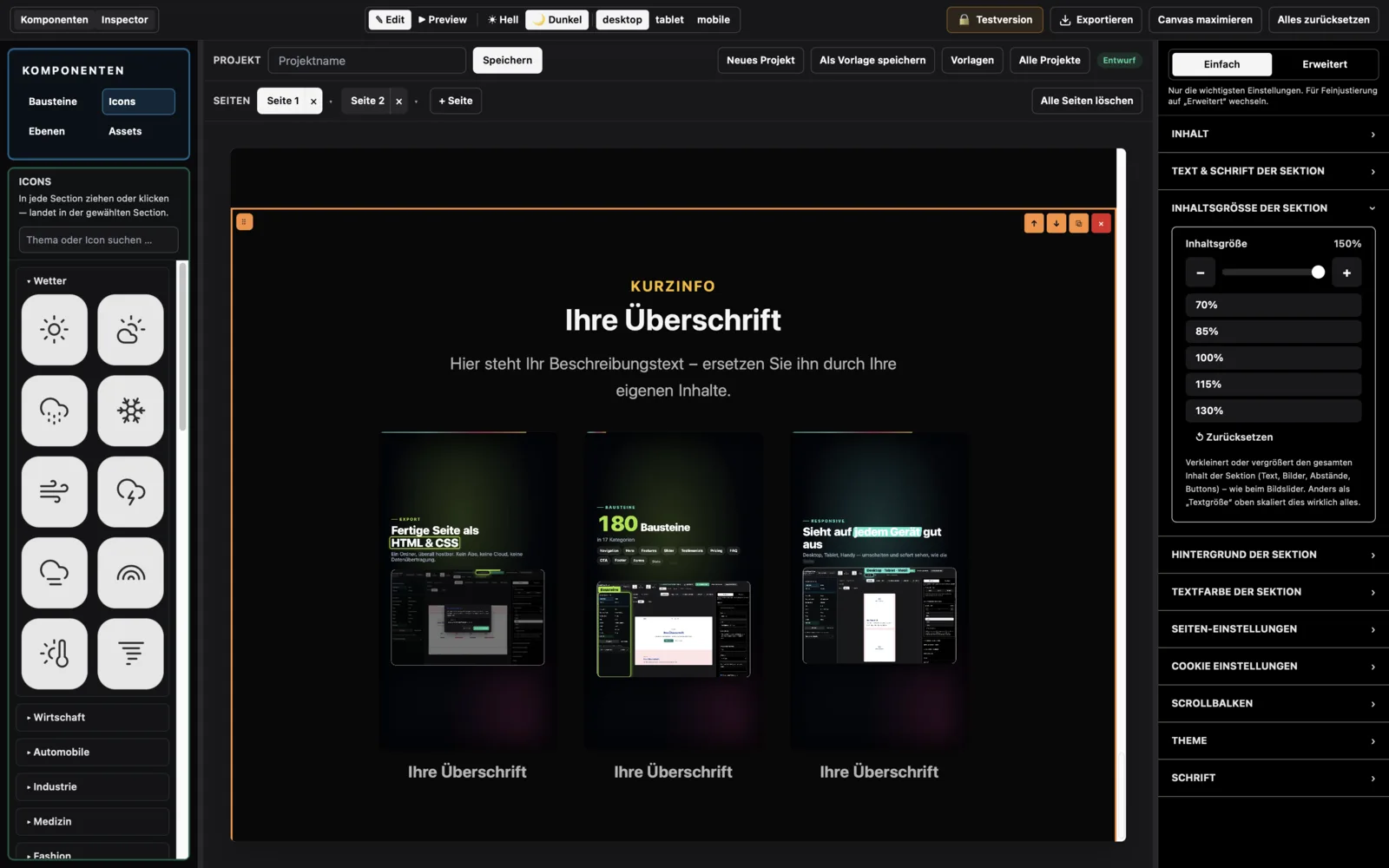
Colours, type, spacing, borders, shadows, animation – every parameter adjustable.
Switch between desktop, tablet and mobile live. Perfect on every device.
Reveal on scroll, hover effects and smooth transitions – without code.
One click, a ready-to-host site. Upload it anywhere. The site is entirely yours.
An app for Mac and iPad. No cloud, no sign-up. It measures nothing, sends nothing, knows nothing about you.
The app measures nothing. Your finished site can: Google Analytics, Google Ads, Meta, Pinterest, TikTok. Pick the service, enter the ID, done – cookie banner included.
Add your own images, crop them and position them freely.
Product gallery with a buy button – link your own Stripe or PayPal payment link.
Download once, use it for good. No monthly fee.
Reviewed by Apple for the App Store. On the Mac also notarised – macOS confirms on first launch that no malware was found.
Questions? A reply by email within 24 hours.
The complete guide to read at your own pace – every block, theme and function explained.
Work in the canvas, adjust everything in the inspector, switch themes in one click – and export finished websites.
No subscription, no running costs. You pay once – the app is yours. Download the trial version free from the App Store – for Mac and iPad.
Download free from the App Store (Mac and iPad), test without limits. Unlock export: €79.99 once.
Trial and full version differ only in the export function. If you don't want to export, you never have to pay.

Introductory offer until 31 October 2026
Everything included. No second tier, nothing to buy later.
System requirement: macOS – the app contains both architectures, Intel and Apple Silicon (M1 and newer) – or iPadOS 15 and newer. Windows and Linux are not offered.
A short walkthrough: building a website in the editor, step by step.
Watch the video on YouTubeNo. The app works entirely offline. Nothing is sent to us or to third parties – no analytics, no telemetry, no cloud.
No. Just download, open and start – no sign-up, no password. The purchase runs through your Apple ID on the App Store. The app itself has no account and no log-in.
No. You work visually in the canvas – click, type, drag. No code required.
macOS – on both Intel Macs and Apple Silicon (M1 and newer). And on iPad from iPadOS 15.
Yes. You switch between German and English in the app at any time; the manual is available in both languages too.
One click exports clean HTML & CSS. Upload that to any host – the finished site belongs entirely to you.
The purchase runs through the App Store; the seller is Apple. You request a refund directly from Apple at reportaproblem.apple.com. The trial version has no time limit: you check everything at your own pace before you pay.
Everything – except export. You build your complete website with all blocks, templates and themes and see it finished on screen. Only the export as an HTML file is reserved for the full version. No time limit, no sign-up, your project stays saved.
You unlock the full version with an in-app purchase on the App Store – with your Apple ID, no account with us. Once unlocked, it works offline too. On another Mac or iPad with the same Apple ID you get it back via “Restore purchases”.
No. The app has no AI features and calls no services on the internet – nothing is generated, neither text nor image nor layout. Everything on your site is what you wrote, chose or set yourself. The only exception is the sample imagery in the bundled templates: those are AI-generated placeholders for you to replace with your own photos.
No. Buy once, use it for good – no running costs.
Download Visual Page Editor and build your site today – no code, offline, no subscription. Your data stays with you.